



















Lynqa follows the paths and captures traceable evidence at every step.


for

Execute your XQual tests with agentic AI
Lynqa for XQual automatically executes your tests from XQual and sends step-by-step reports and evidence back seamlessly.
No scripts to create or maintain. No rewriting.

no card required

10 free credits

ready in <5 min
Activate the Lynqa add-on → Start automatic execution instantly







How Lynqa for XQual works
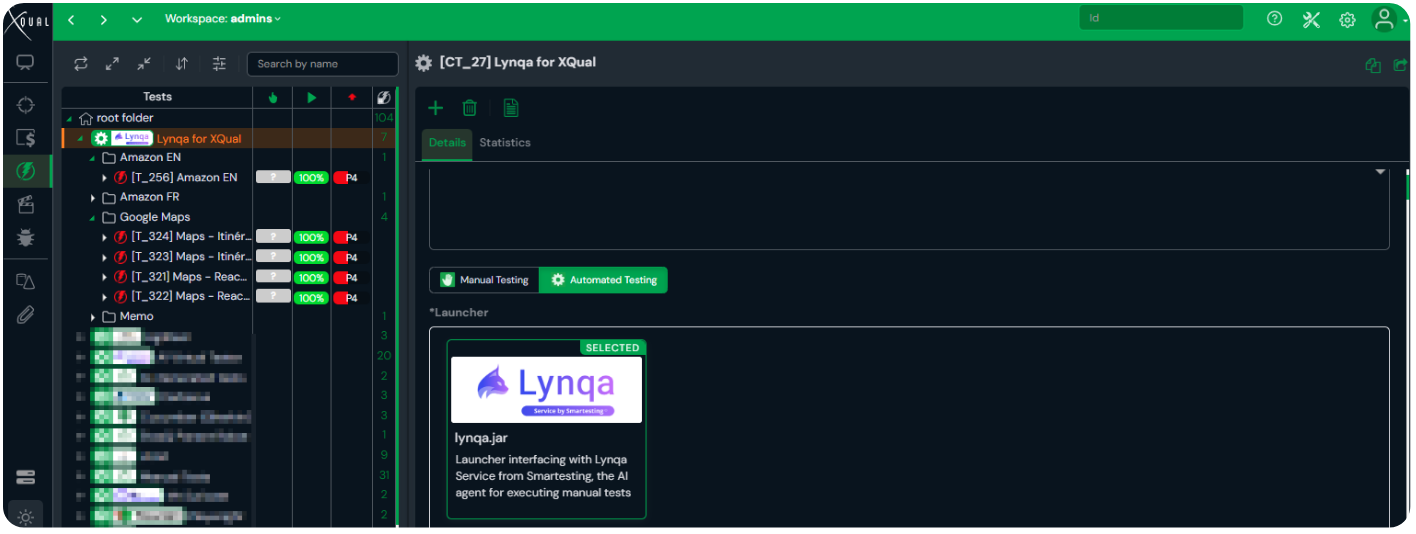
Select your tests in XQual
Create a Lynqa category and choose the manual test cases you want to run automatically.
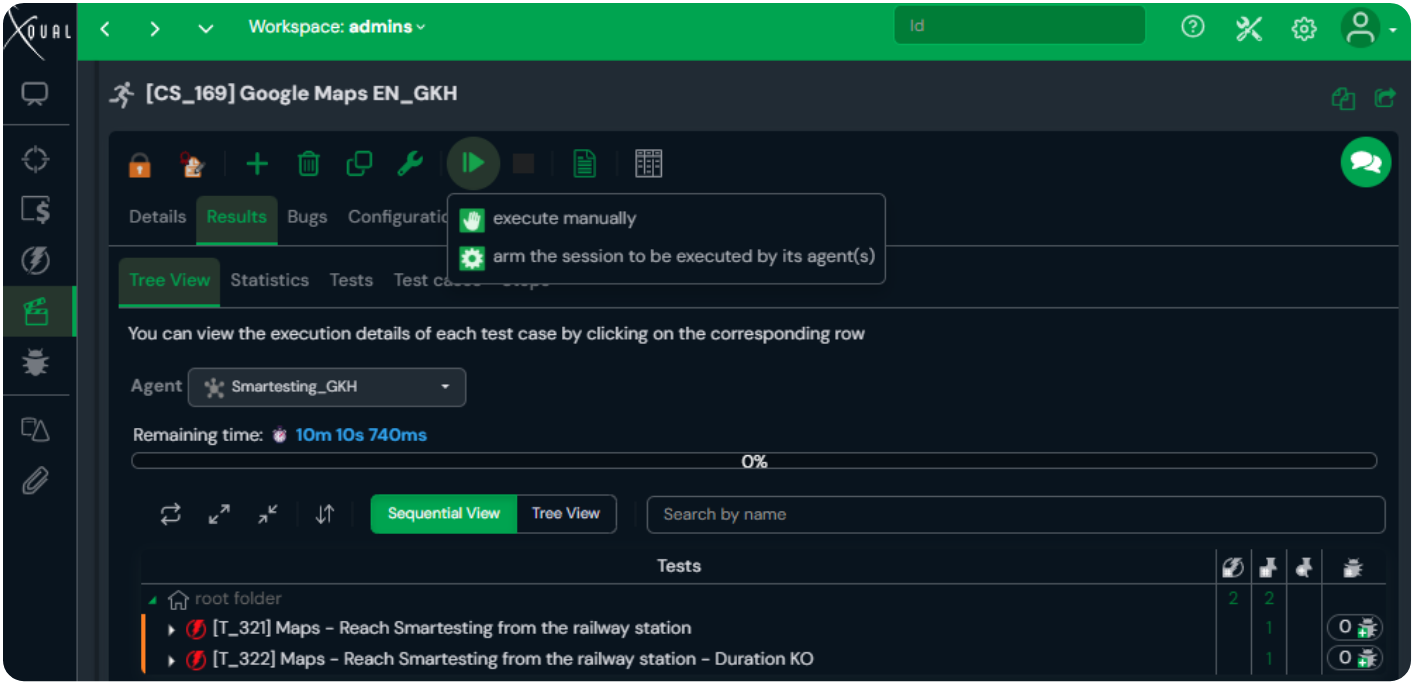
Launch execution with Lynqa
Select your target environment and start the execution directly from XQual.
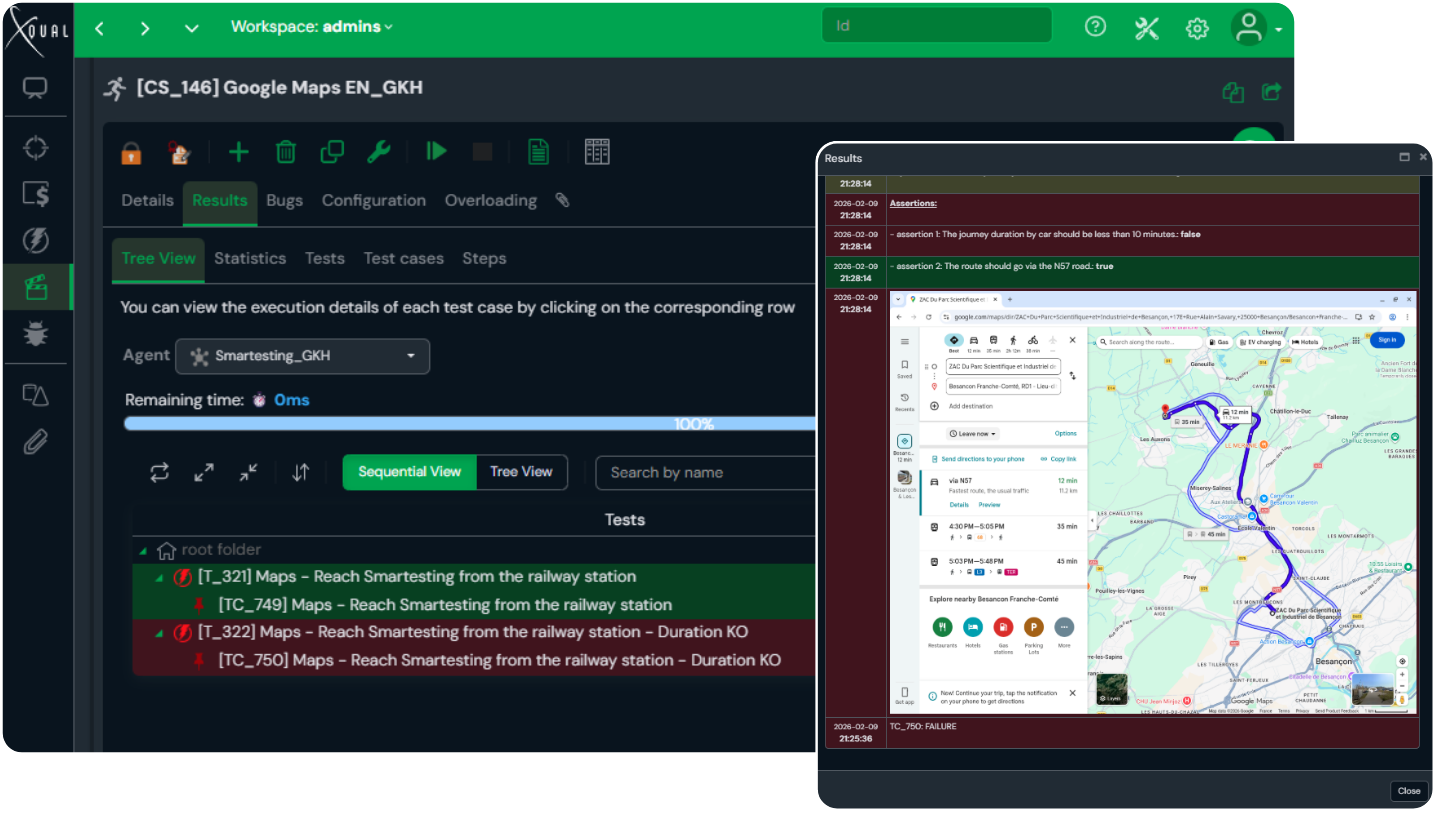
Lynqa executes and reports back
Lynqa reads your natural-language steps and runs the test, while capturing evidence and pushing results back into XQual.
Why choose Lynqa for XQual?

Scale executions fast with parallel runs

Native integration: no friction, no rework

Reduce manual QA costs to as low as €0.89/test

No code, no maintenance

Adapts to UI and data changes
Automate execution without changing how you work
They trust us
“After trying several disappointing AI automation solutions, Lynqa immediately impressed us. The tool understands instructions with remarkable ease, intelligently navigates our applications, and effortlessly identifies the elements it needs to interact with, which gives us confidence in its long-term maintainability.
The integration with XQual was completely seamless. Lynqa’s execution relies on variable data and user journeys, avoiding rigidity and allowing them to evolve with each campaign. This strengthens our test coverage and helps us avoid the pesticide paradox.”
Mathieu Licheron – QA Expert at Uzinakod
Uses Lynqa for XQual
Uses Lynqa for XQual
Designed for Control & Assurance

Built for QA teams

Web apps covered
Mobile & desktop applications coming soon.

Compliance
Lynqa has successfully completed its SOC 2 Type II audit for the Cloud edition of its platform, addressing the Security trust services criterion.
Not on XQual?
We already integrate with Xray and SquashTM, with more integrations coming soon. You can also try Lynqa without a test management tool.


We Answer Your Questions
What is Lynqa?
Lynqa is an AI agent that runs tests on the application’s GUI.
How can I use Lynqa for XQual?
Contact XQual to enable the Lynqa add-on (integration developed by a partner). You can run your XQual tests automatically with Lynqa, and results are synchronized back to XQual.
What is Lynqa useful for, and who can benefit from it?
Lynqa aims to accelerate manual testing cycles, serving QA teams. It offers the following benefits:
- Automated test execution without preparation
- No maintenance for scripted test code
- Always available
- Reduced cost of manual tests
- Scales through availability and parallel throughout
What’s the difference between Lynqa and classical test automation?
Classical test automation usually means turning tests into scripts (or recorded flows) that teams build, maintain, and debug as the product changes.
Lynqa is different: it automates the execution of your manual tests. You keep your test cases written in natural language or Gherkin (Gherkin is only supported by Lynqa for Xray at the moment), and Lynqa runs them and produces step-by-step evidence, without creating a separate scripted suite, without code or no-code. As your application evolves, Lynqa dynamically re-analyzes the interface and adapts.

Our selection of Lynqa content
Discover our latest innovations and premium content made for you: software quality professionals!
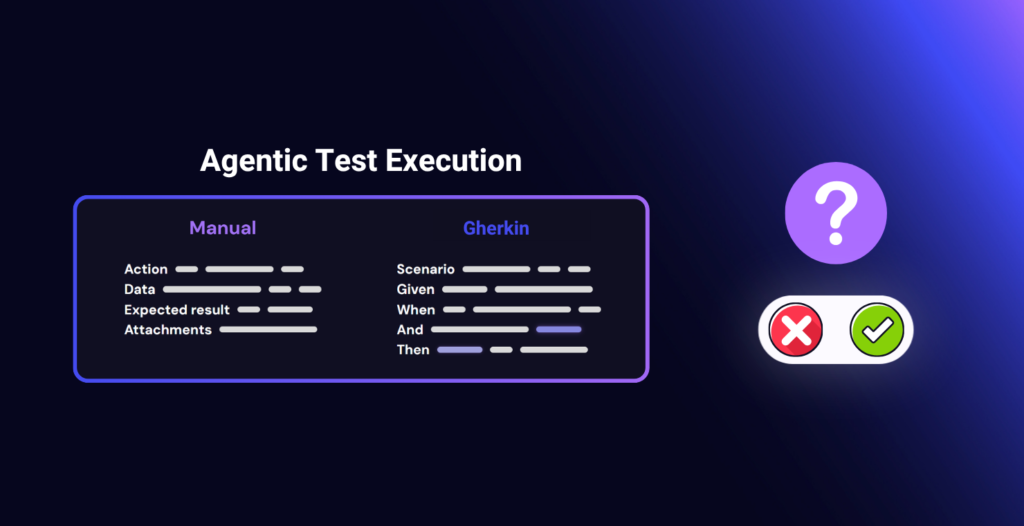
Agentic Execution of Manual and Gherkin Tests: Questions to Ask Before You Start
AI Lynqa
Test execution remains a pain point for many QA teams. Manual test cycles take up a lot…
Read the article
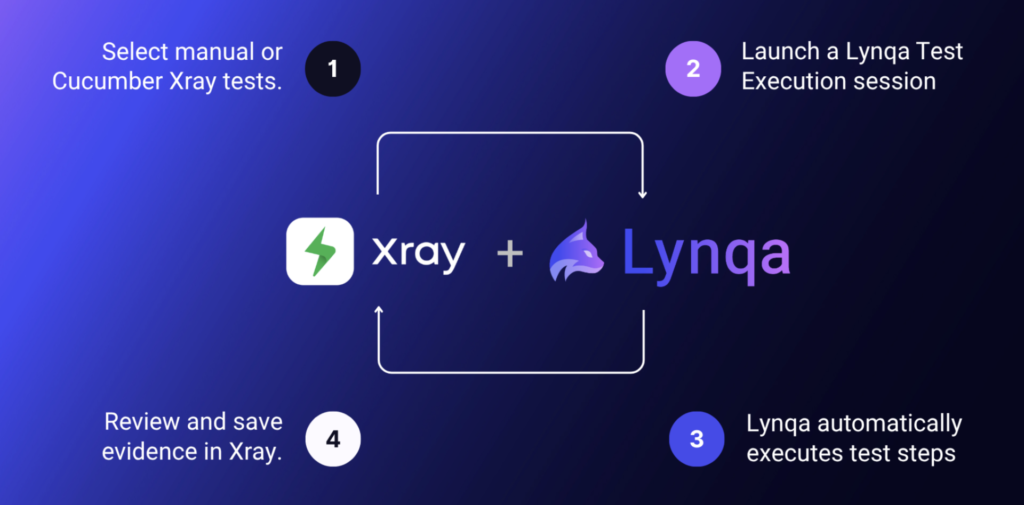
Agentic AI Test Execution inside Jira with Xray and Lynqa
AI Lynqa
AI is transforming every stage of software testing, from requirement analysis to how teams design test cases,…
Read the article

Can We Trust an AI Agent to Execute Tests?
AI Lynqa
The three pillars of trustworthy agentic AI test execution in Xray: measurable reliability, human control, and transparent…
Read the article