



















Lynqa runs your planned paths, you validate every result


for

Execute your SquashTM tests with agentic AI
Lynqa for SquashTM is an AI agent that automatically executes your SquashTM tests and gives you step-by-step reports and evidence.
No scripts to create or maintain. No rewriting.

no card required

10 free credits

ready in <5 min
Create your account → Import your SquashTM tests → Let Lynqa execute







How Lynqa for Squash works
Select, check, and run your tests
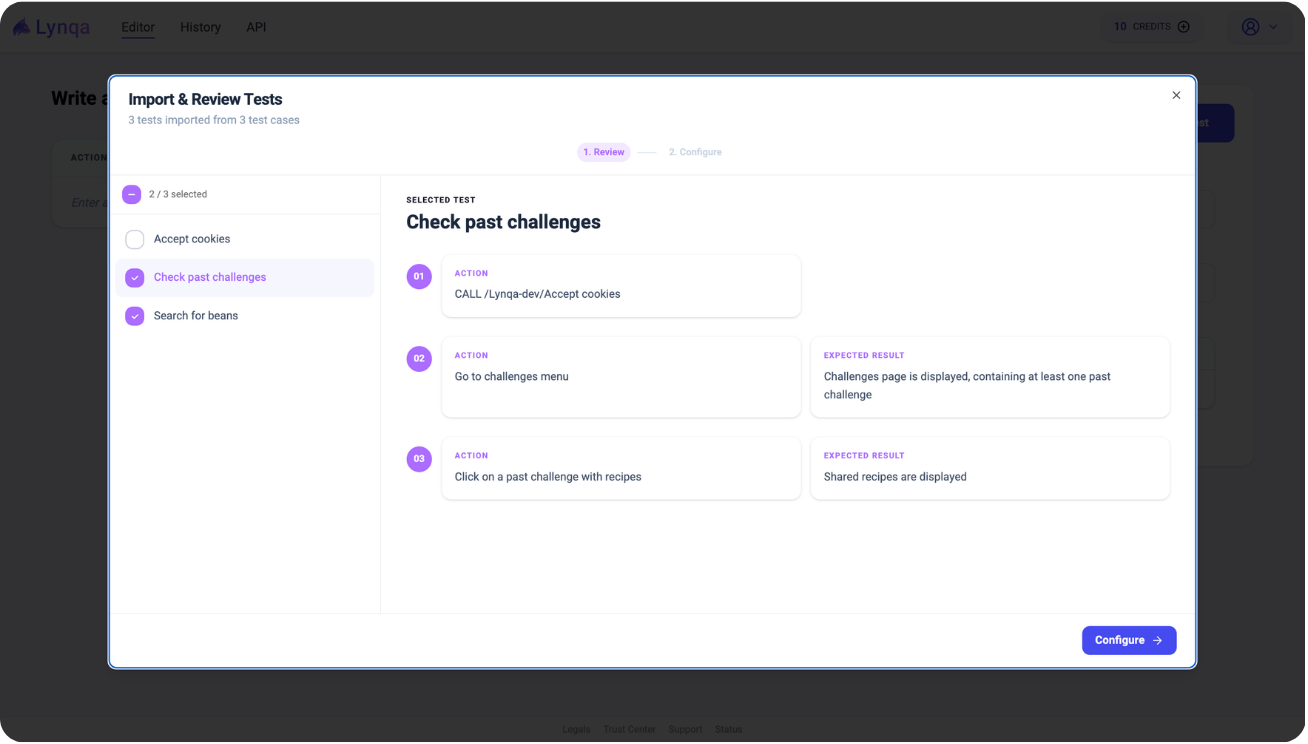
Once you’ve imported your Squash tests and selected your file, choose the tests you want to run and review all the steps to verify the content.
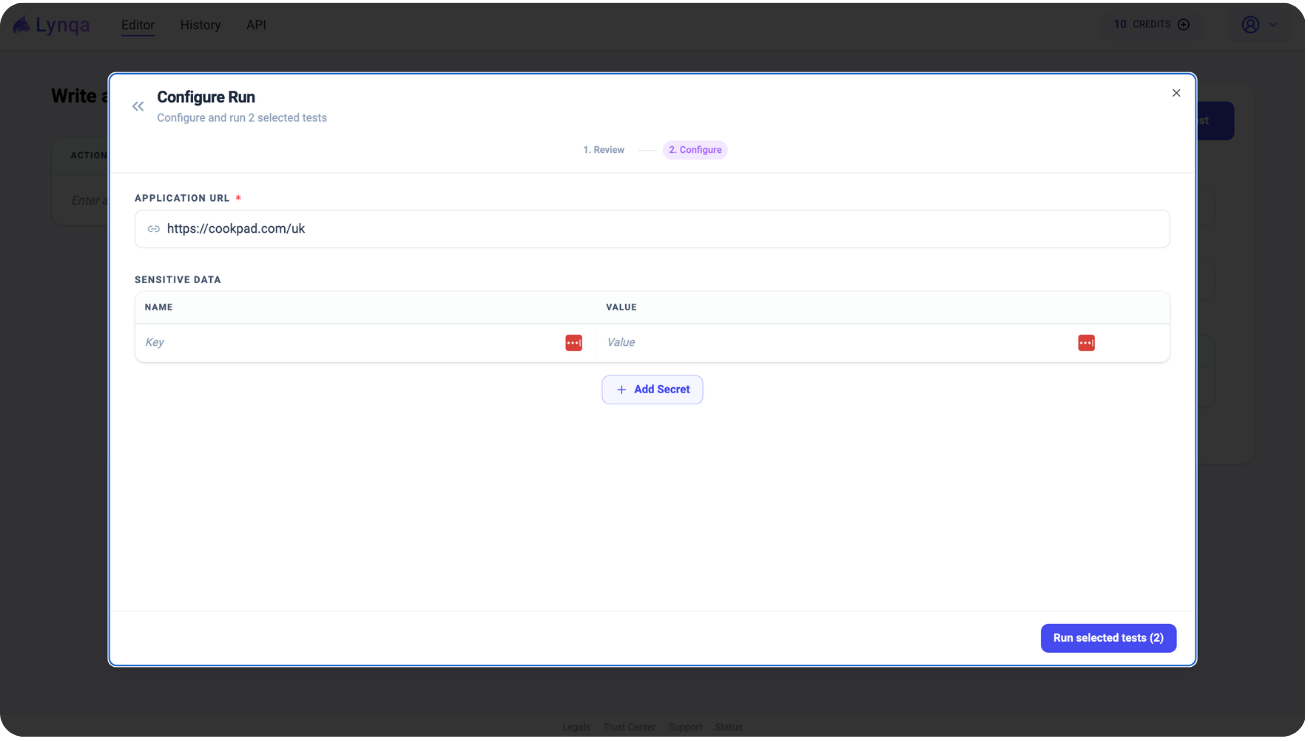
Enter the URL and run the test
Enter the URL of the web application you want to test, then click “Run selected tests” to start the execution.
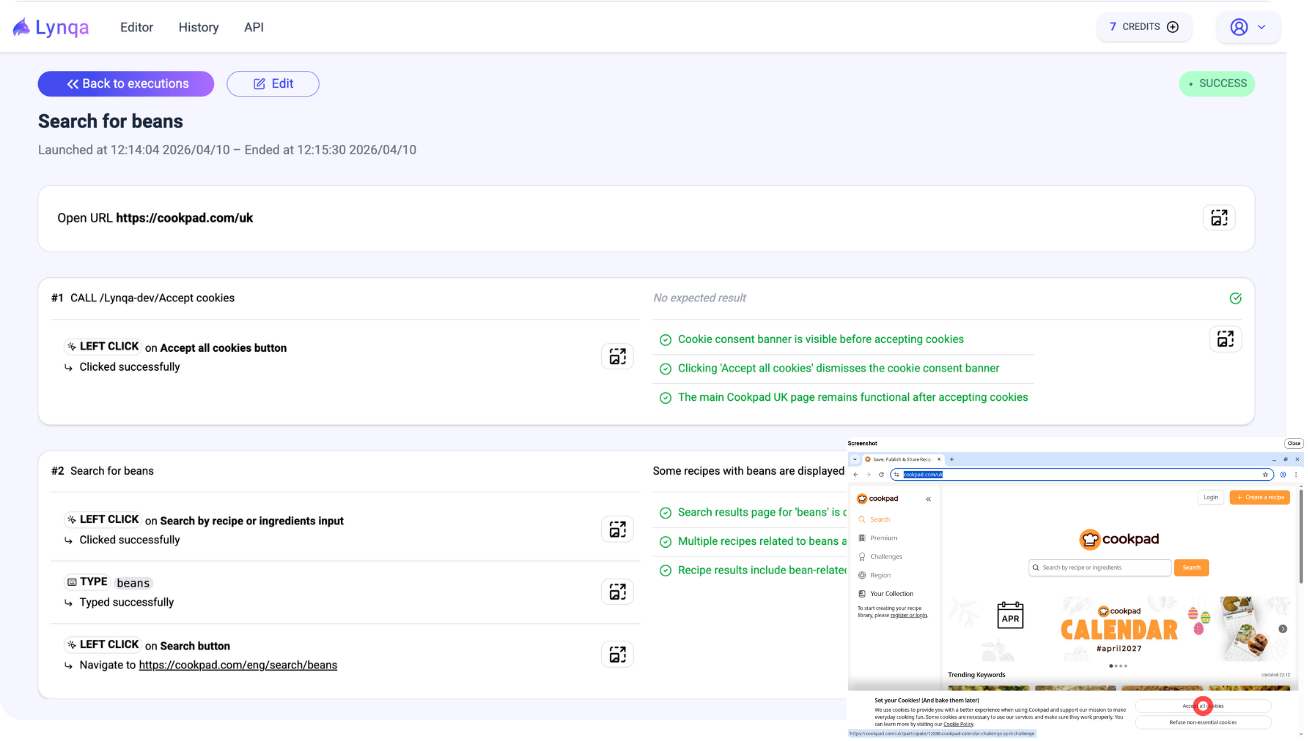
Execution detail available
You can review the details of each step of the execution, along with the associated evidence (screenshots).
Why choose Lynqa?

Increase test capacity with parallel runs

Keep your test cases exactly as written

Cut manual testing costs to as low as €0.89/test
Made for Governance & Trust

Human oversight

Web app ready
Built for web apps first, with mobile & desktop coming soon

Security
Lynqa has successfully completed its SOC 2 Type II audit for the Cloud edition of its platform, addressing the Security trust services criterion.
Not on SquashTM?
Lynqa already integrates with Xray and XQual, with more integrations coming over time. You can also try it without a test management tool.

We Answer Your Questions
What do I get after a run?
A clean, reviewable execution trail:
- Step-by-step actions
- Screenshots and evidence along the way
- A clear verdict per step (not just a final pass/fail)
How can I use Lynqa for SquashTM?
You have to import your Squash tests into Lynqa, select the file, then choose the tests you want to run and review all the steps to verify the content.
After that, configure the run by adding the URL of the web application you want to test. You can also add any sensitive date to protect. Once you’re done, you click “Run selected tests” to start the execution.
You can then review each step of the execution and the associated evidence (screenshots).
A Lynqa account is required to:
- Manage API keys
- Purchase credits
What is Lynqa useful for, and who can benefit from it?
Lynqa aims to accelerate manual testing cycles, serving QA teams. It offers the following benefits:
- Automated test execution without preparation
- No maintenance for scripted test code
- Always available
- Reduced cost of manual tests
- Scales through availability and parallel throughout
How long does it take to run a test case with Lynqa?
Lynqa executes tests by carefully checking expected results and recording all execution evidence, rather than running a coded script.
Lynqa simulates human testing, interacting with the application and evaluating results in the same manner as a person. Consequently, individual test execution times are comparable to those of a human tester. However, Lynqa offers the advantage of running simultaneous tests.

Our selection of Lynqa content
Discover our latest innovations and premium content made for you — software quality professionals!
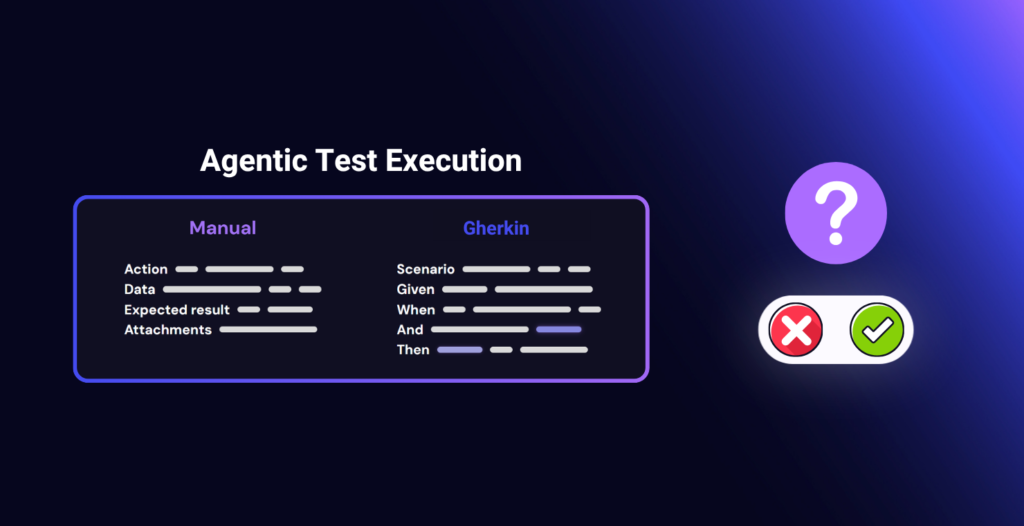
Agentic Execution of Manual and Gherkin Tests: Questions to Ask Before You Start
AI Lynqa
Test execution remains a pain point for many QA teams. Manual test cycles take up a lot…
Read the article
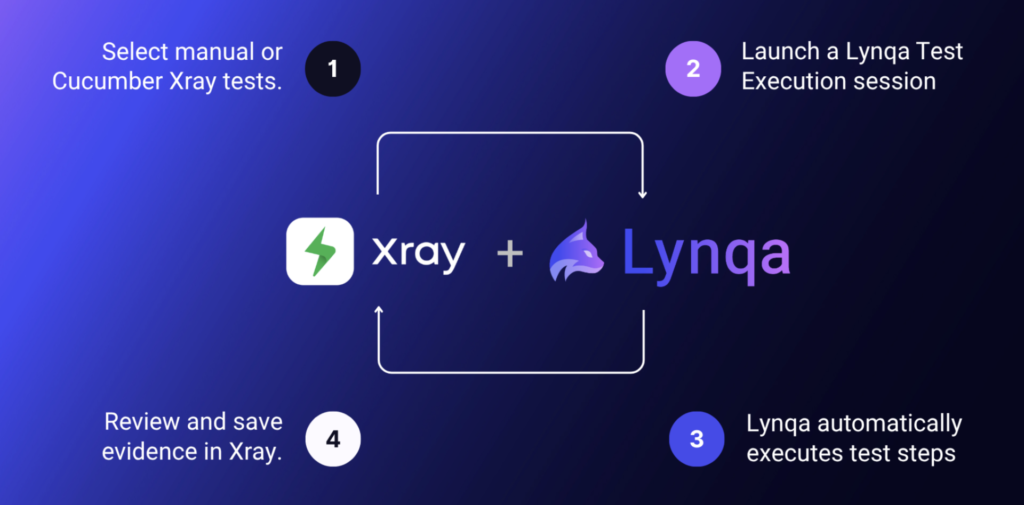
Agentic AI Test Execution inside Jira with Xray and Lynqa
AI Lynqa
AI is transforming every stage of software testing, from requirement analysis to how teams design test cases,…
Read the article
Can We Trust an AI Agent to Execute Tests?
AI Lynqa
The three pillars of trustworthy agentic AI test execution in Xray: measurable reliability, human control, and transparent…
Read the article