



















Agentic AI Test Execution inside Jira with Xray and Lynqa
AI Lynqa
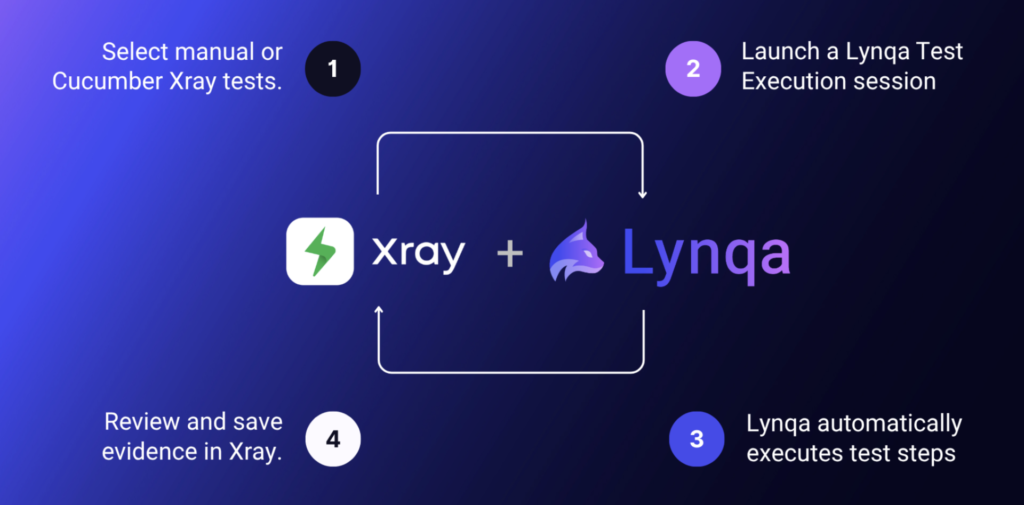
AI is transforming every stage of software testing, from requirement analysis to how teams design test cases, execute them, and build automation. Some organizations are already deep into that journey. Others are just getting started. Wherever you are, Xray and Lynqa meet you there, offering step-by-step AI assistance for every testing activity, directly inside Jira. One philosophy: AI assists, humans control.
Xray already brings AI to transform Jira requirements into actionable test cases, with AI Test Case Generation. And when a test case is validated, Xray can convert it into an automation script in the framework (Selenium, Playwright) and language (Java, Python) of your choice.
But there is a phase every QA team knows intimately: manual execution. The application is live, the feature is new, the flow isn’t stable enough to script yet, too costly to automate. In most organizations, 60 to 80% of test cases remain manual. This puts constant pressure on QA teams: high execution cost, repetitive tasks prone to error, and peak load that no team can absorb fast enough.
That’s exactly the gap that Xray and Lynqa close together.
The main benefits of the Xray-Lynqa integration
- Full AI-powered test lifecycle, in one place: from requirement to automatic test execution, inside Jira. No tool switching, no silos.
- No friction, no rework: works with your existing manual or Gherkin tests, in any language, as they are. No complicated setup.
- Zero code, zero maintenance: no automation suite to build or sustain. Adapts to UI and data changes.
- AI designed for testing, humans in control: step-by-step evidence at every step, your team validates every result.
- Scale test execution easily: run tests in parallel, absorb peak load, and free your team from repetitive execution.
- Leverage reporting capabilities: traceable, standardized execution evidence saved directly in Xray. Get full visibility over requirement coverage thanks to traceability links maintained by the Xray-Lynqa integration.
The Challenge
Every QA team knows the feeling. A release is coming, the backlog is growing, and there is simply not enough time to run everything. Coverage gets reduced. Shortcuts get taken. Evidence gets skipped. Quality risk quietly builds up.
Manual test execution depends entirely on human time, always limited, always expensive, and always pulled in too many directions. The pain points are well known:
- Limited resources, fixed capacity: there are never enough testers to run everything that needs to run. When pressure rises, coverage is the first casualty.
- Inability to absorb peak load: release time means execution spikes. Manual testing cannot scale on demand.
- Repetitive work, growing risk of error: running the same flows is exhausting. Attention drifts, evidence becomes inconsistent, and release decisions rest on shaky ground.
- Analytical work sacrificed: skilled testers spending their days on repetitive execution never get to do what they do best: think critically, explore edge cases, and catch the issues that matter.
Scripted automation helps, but only up to a point. It pays off for stable, well-defined flows that run every build, but it requires technical skills to build and maintain. For everything else: new features, evolving journeys, and scenarios that change every sprint – teams are back to manual execution.
The result is a team simultaneously overloaded and under-covered, producing evidence that is inconsistent at best and absent at worst. There has to be a better way.
The Solution
Xray and Lynqa together bring a simple but powerful answer: your existing manual or Cucumber tests, run automatically by Agentic AI, with structured evidence saved directly in Xray, without changing how your team works.
Lynqa connects natively to Xray and is ready in a few minutes. No new tool to learn, no process to redesign, no tests to rewrite. The Xray-Lynqa integration offers seamless execution, mimicking testers’ reasoning at every step, dynamically analyzing the interface, performing required actions, and verifying results. When something unexpected happens, it tells you exactly where and why, with evidence.
That evidence, once reviewed by QA, lands directly in Xray, giving your team consistent, traceable, standardized data to make confident release decisions. And because everything lives inside Xray, full reporting and traceability are immediately available: requirement coverage, execution progress, defect links, and release readiness. All in one place.
The Two Approaches to AI Test Automation
In the Xray ecosystem, two AI approaches to test automation are now production-ready.
- Agentic AI test execution with Lynqa: QA engineers run their existing tests automatically, without writing a single line of code. Best suited for in-sprint work, evolving features, and scenarios where scripting would be premature.
- AI-assisted script generation: once a scenario has stabilized, automation engineers generate scripts in the framework of their choice directly from the validated Xray test case for long-term CI/CD regression testing.
Used together, they cover the full test lifecycle, from first execution to stable automation, without duplication, without waste, and without leaving Xray.
How it works
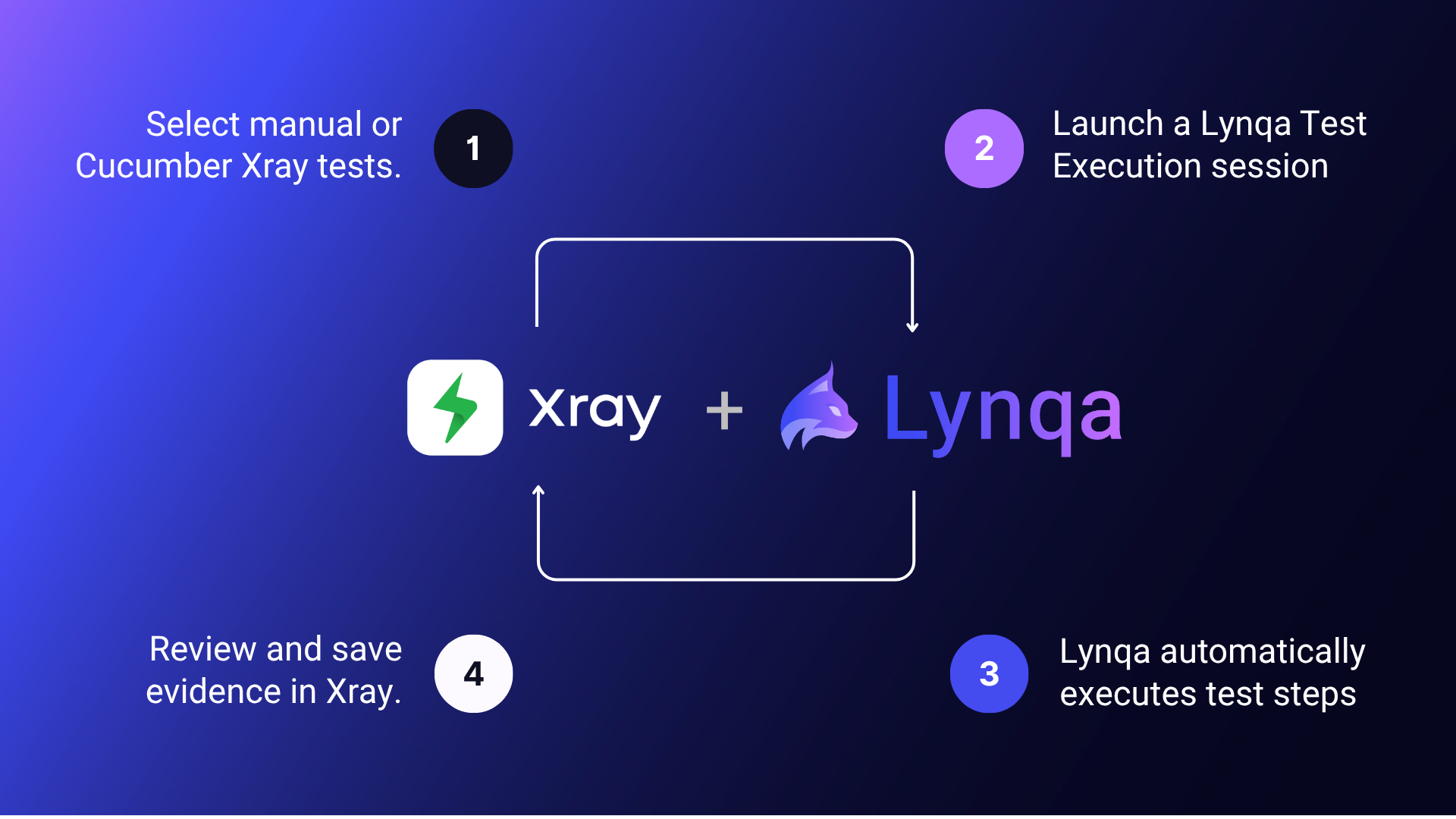
Step 1. Select your tests in Xray.
Choose the manual or Gherkin test cases you want to run, individually or as a batch, directly from your Xray Test Execution work items. No preparation, no adaptation, your tests are ready to execute as they are.
Step 2. Launch a Lynqa execution session
Pick your target environment and start the run in one click. Lynqa reads your natural-language test steps and performs every action in your web application: navigation, clicks, form inputs, exactly as instructed in your steps.
Step 3. Evidence is captured at every step.
At each step, Lynqa describes performed actions and checks expected results and captures screenshots. The execution evidence is clear, consistent, and traceable.
Step 4. Review results and decide
Your team reviews execution reports, validates results, and identifies any anomalies without leaving Jira. Once reviewed, evidence and execution status are saved in Xray in one click. AI executes, humans own the final verdict.
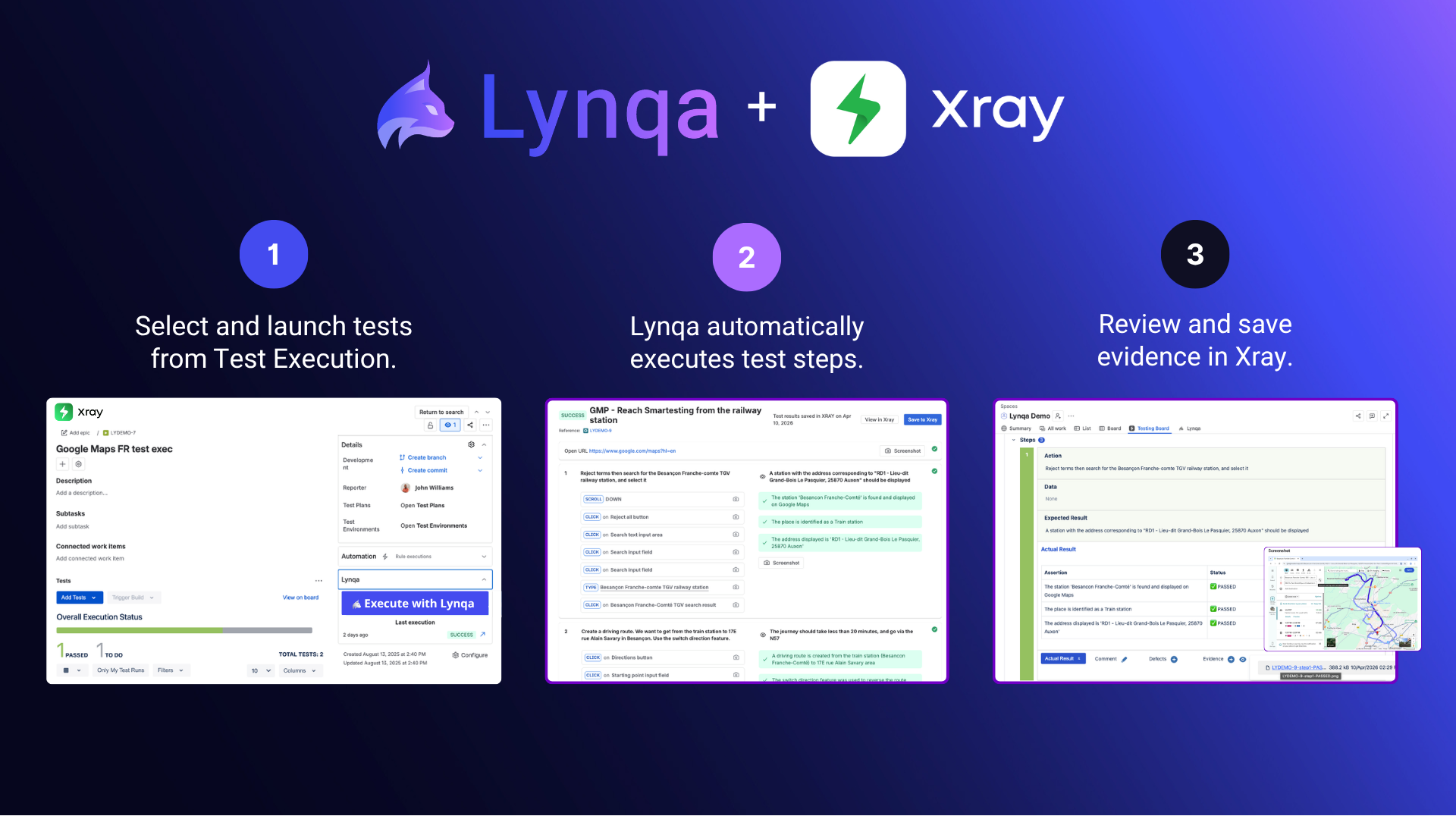
Step 5. Leverage Xray’s full reporting capabilities
From there, Xray takes over: track coverage across requirements, monitor test execution progress, follow defect traceability, and generate release-ready reports. The Xray-Lynqa integration execution enriches your quality dashboard, giving QA managers and stakeholders a complete, real-time picture of where the product stands.
Conclusion
The testing lifecycle has always demanded more and more effort: faster delivery, better coverage, faster execution, better evidence, cleaner reporting. With Xray and Lynqa, that gap closes. AI assists in every testing activity, from test design to automatic execution of your manual test cases.
Everything connected in one place: requirements, tests, results, coverage, and defects. And through it all, your team stays in control: validating results, making decisions. AI in testing is only as valuable as the traceability and control it provides.
That is why Xray and Lynqa were built around the same principle: AI assists, humans decide. Together, they free your team from repetitive runs, giving them back the time to focus on what matters most.
Stay tuned!
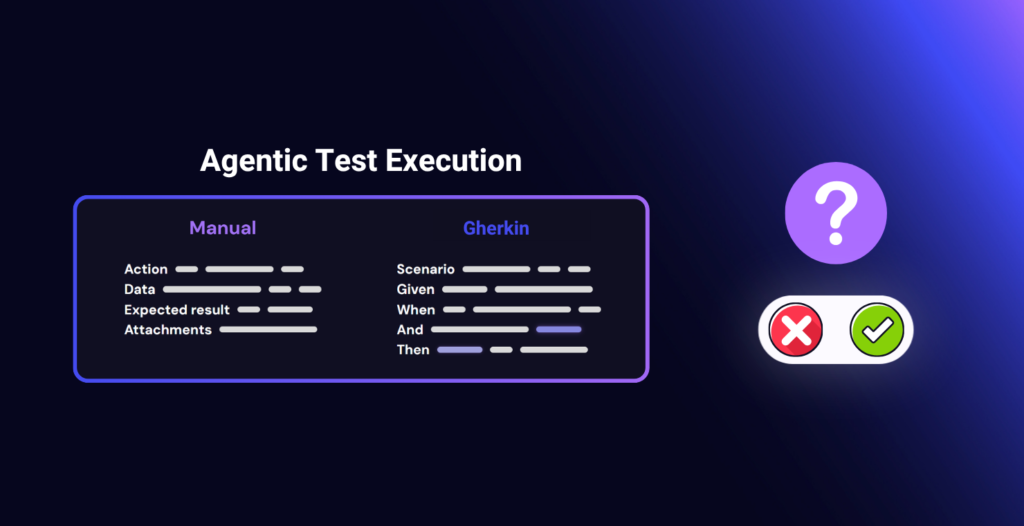
Agentic Execution of Manual and Gherkin Tests: Questions to Ask Before You Start
AI Lynqa
Test execution remains a pain point for many QA teams. Manual test cycles take up a lot…
Read the article
Agentic Test Execution: What Security and Compliance Guarantees Should You Require?
AI Tips
A test agent reads a scenario, logs in to an application, enters data, observes screens, and produces…
Read the article
AI and E2E/Regression Testing: How to Maintain Business Control?
AI Testing Yest
Designing good tests requires a strong understanding of the business. This is why QA teams, among all…
Read the article