











Executes your tests directly from Xray, with no adaptation
Sends step-by-step results and execution evidence back to Xray


for

Execute your Xray tests with AI automatically
Lynqa for Xray (Jira Cloud) executes your tests directly from Xray and sends step-by-step reports and evidence back to Xray in one click. No scripts to create or maintain. No test rewriting.
Install Lynqa from the

Marketplace
and get 10 free credits

no card required

10 free credits

ready in <5 min
Install → Connect → Execute
Install from Marketplace, create & connect your Lynqa account, and launch execution from Xray in a couple of clicks.

Run tests in parallel for greater scale

Launch your existing tests unchanged

Cut manual QA spend, from €0.89/test
Works where your tests already live
Native Jira Cloud + Xray integration

Supported by Lynqa
Natural Language

Gherkin

How Lynqa works
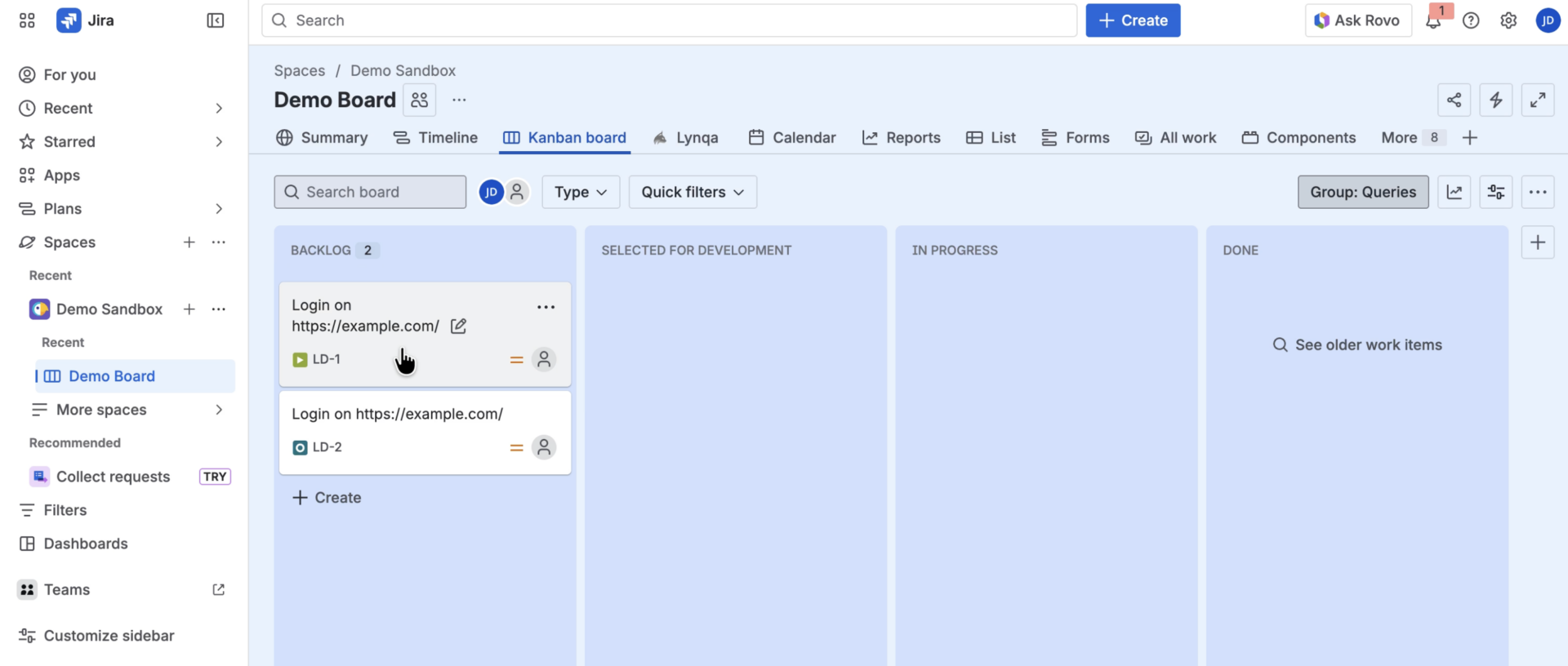
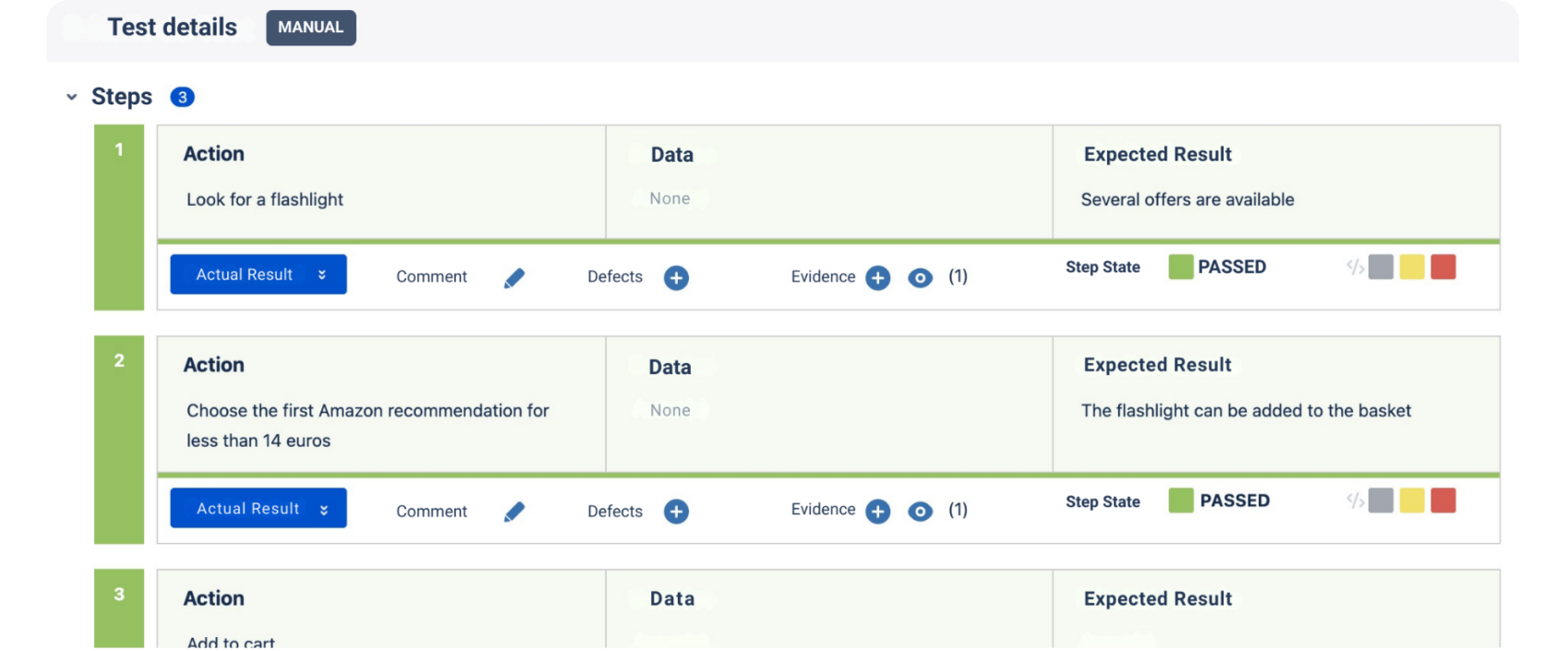
Choose the test(s) in Xray
Select the manual test cases you want to run individually or as a batch.
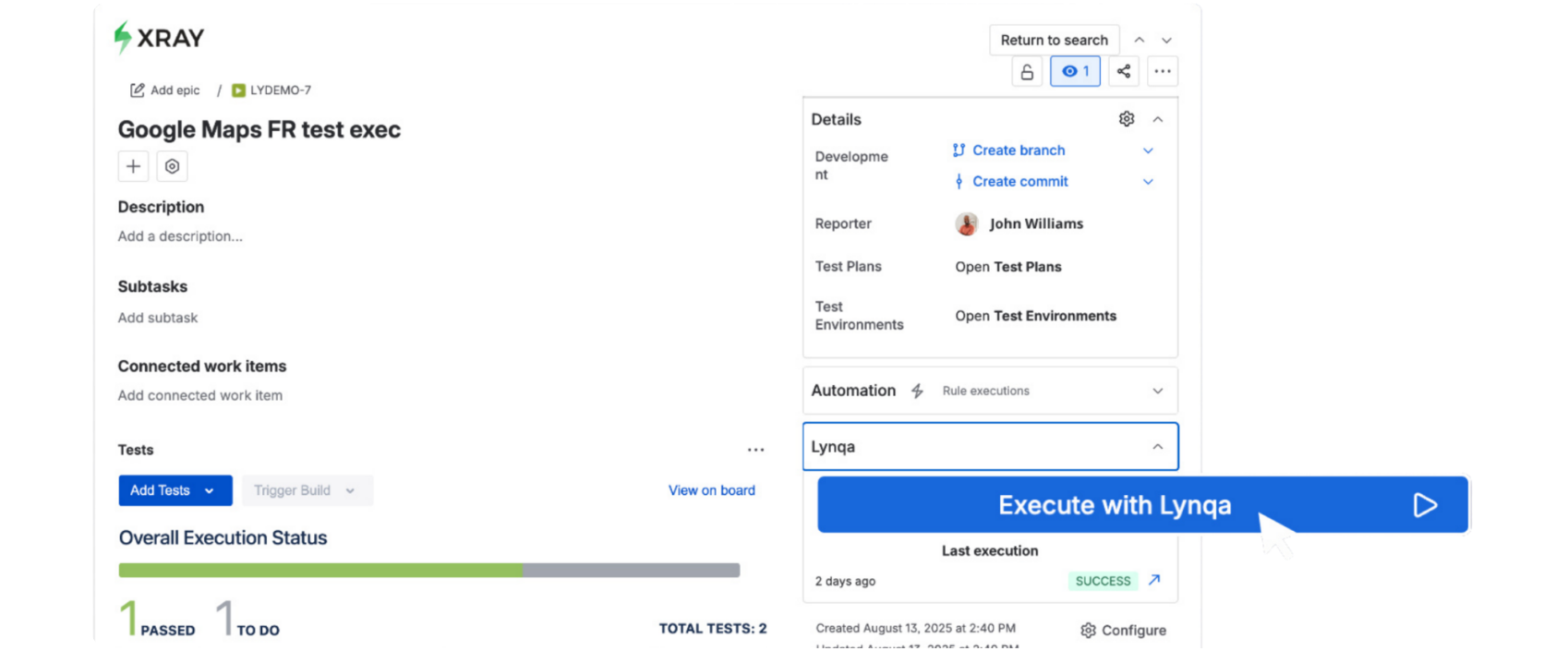
Start a Lynqa execution session
Pick the target environment and launch the run in a controlled way.
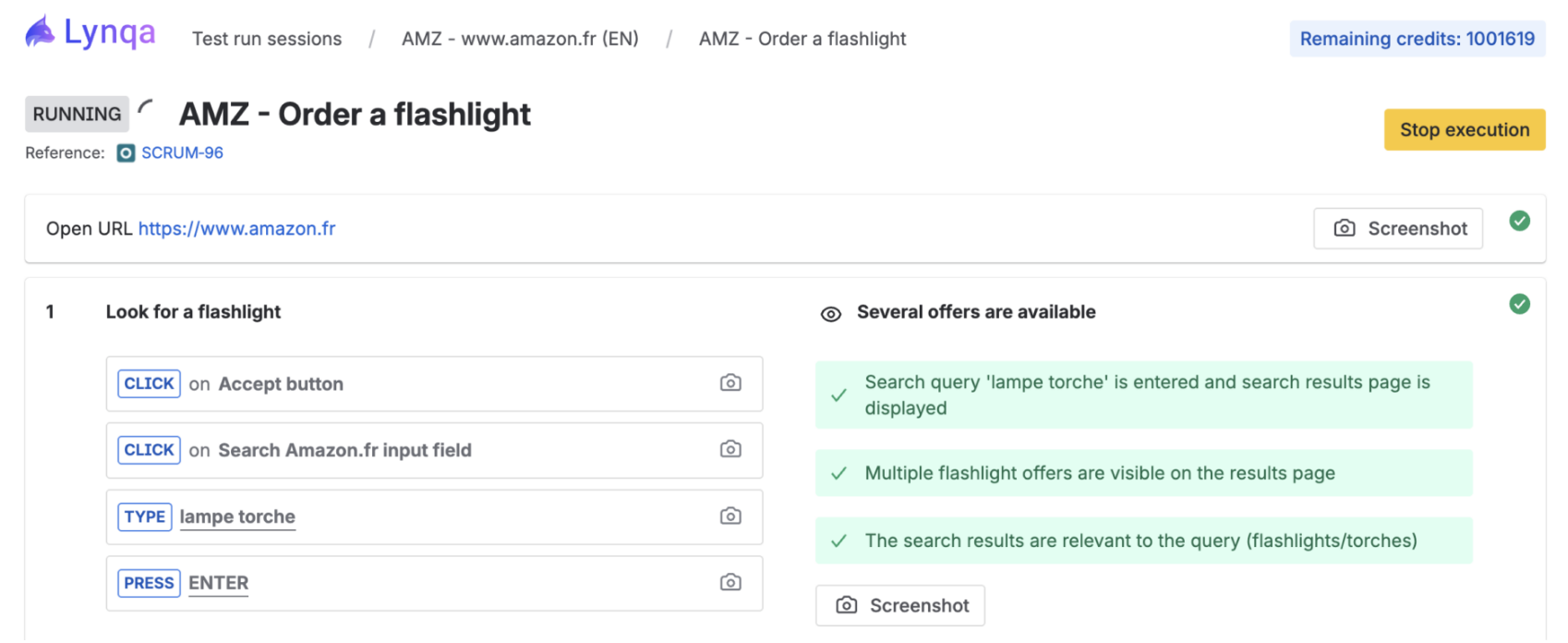
Lynqa executes the steps → You review and validate
Lynqa reads your natural-language steps and performs the actions in your application (navigation, clicks, inputs…), while capturing evidence along the way.
Reporting is written back to Xray
Execution status and evidence land auomatically where your team already works: inside Xray.
*10 free credits
What you get
Evidence that’s ready to be shared without extra work
Clear status per step, not just a final verdict
Screenshots and actions captured consistently
Reporting structured the same way across the whole team
Traceability that supports audits and release decisions
Speed up execution across your Xray workflow
Manual execution slows releases down. Test automation alone can’t cover every scenario or every team need. Lynqa fills the gap inside Xray.
Not every Xray test case belongs in scripted automation
Use Lynqa for flexible Xray execution. Keep scripts for stable CI/CD regression.
| When... | Lynqa is the best choice | AI-assisted automation is the best choice |
|---|---|---|
| the flow is still evolving and needs flexibility | ||
| you want fast automation without writing or maintaining scripts | ||
| functional QA teams need to automate directly from test scenarios | ||
| the value comes from accelerating execution and reducing manual effort now | ||
| the flow is stable and part of long-term regression suite | ||
| tests must run on every build in CI/CD |
Use Lynqa for flexible Xray coverage, and scripts only for fixed regression checks.
Built for Oversight & Confidence

Human review
Lynqa follows exactly the paths, you validate the result

Security

Web app covered
Will soon cover mobile & desktop applications.

Performance
Lynqa runs outside Xray so it doesn’t slow down Jira
Not on Xray?
Lynqa offers its own platform, “My Lynqa,” and has established other integrations (Xqual and Squash ™), discover more details below.
We Answer Your Questions
How does it work with Xray (Jira Cloud)?
You select the tests in Xray, start a Lynqa execution session, Lynqa executes the steps on your application, and you get structured results and evidence that you can choose whether or not to save in Xray.
What are the prerequisites to run Lynqa for Xray?
For the main integration, you’ll need:
- Jira Cloud with Xray installed
- Admin rights to install the app from the Atlassian Marketplace and generate Xray key API required for Lynqa configuration
- A My Lynqa account with credits available to run tests
Operational prerequisites:
- The target application must be reachable from Lynqa’s execution environment (public URL by default, or private access with the right setup : contact us in this case)
Test quality expectations :
- Keep steps clear and actionable, with expected results that can be checked. They should not rely on implicit domain knowledge or assumptions.
What do I get after a run?
A clean, reviewable execution trail:
- Jira Cloud with Xray installed
- Admin rights to install the app from the Atlassian Marketplace and generate Xray key API required for Lynqa configuration
- A My Lynqa account with credits available to run tests
What happens if a UI changes? Do we need to rewrite tests?
You do not rewrite tests. Lynqa runs your tests as written and it can handle UI changes.
If a UI change breaks a step, the execution may stop (because your verification focuses on a specific element of the UI) and the report will show where it failed with the evidence captured so far. You usually update the affected steps the same way you would in manual testing, then rerun.
How are credits consumed?
One test execution consumes one credit. If a technical error occurs during execution, no credit will be consumed.


Our selection of Lynqa content
Discover our latest innovations and premium content — made for you, software quality professionals!
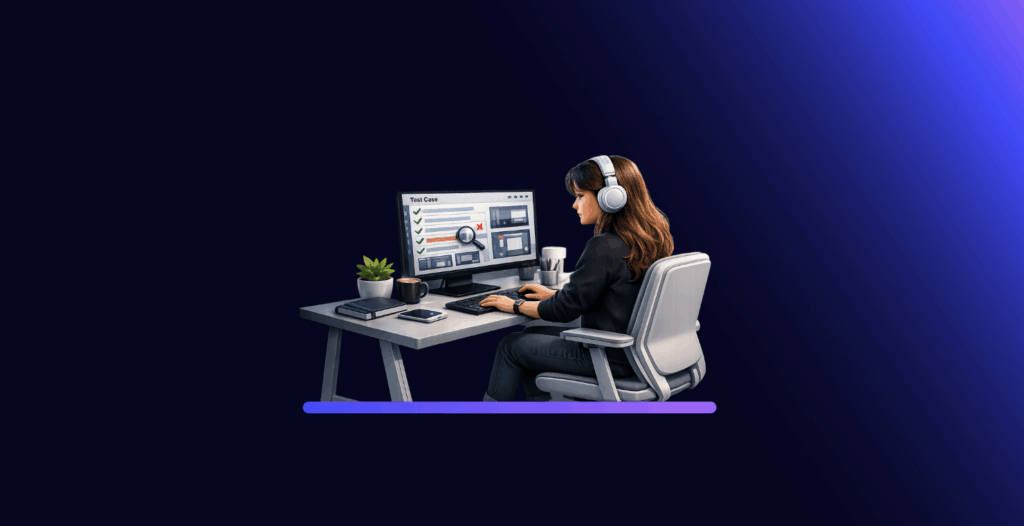
Manual Testing Isn’t dead: Why human testers matter more than ever in the age of AI
AI Lynqa Testing
Introduction For more than fifteen years, a prediction has regularly surfaced in the software industry : manual…
Read the article
Beyond Manual vs Automation: A New Test Execution Paradigm
AI Lynqa
The Functional Testing Landscape: Manual vs. Automated Testing For years, functional testing has existed in a sort…
Read the article
How to standardize test execution proof in Jira Xray
Lynqa Testing
Why execution proof is a key issue When we talk about test execution, we often think of…
Read the article